Job profitability dashboard
One screen that shows what every job brought in, what it cost in labor and materials, and what was left. It reads from Jobber or ServiceTitan and QuickBooks and never writes back to them. It costs $3,000 to $8,000, once.

How it works
Why owners buy it
Ask most owners which jobs made money last month and you'll get a guess. The numbers are in there somewhere, split between the field software and QuickBooks, and they don't line up on their own.
Sources: Capterra ServiceTitan reviews, Jobber Community: QuickBooks sync
What you get
- Lists every job with revenue, labor, materials and gross margin
- Flags jobs that came in under your margin target so you can ask why
- Groups by tech, job type, month or customer
- Exports to Excel any time your bookkeeper wants it
- Updates itself overnight, no copying and pasting
What it won't do
- Read-only. It can't change an invoice, a payroll entry or anything in QuickBooks
- It's only as good as what gets entered in the field, and we'll show you where the gaps are
Your first week
We look at your numbers
We connect read-only to your field software and QuickBooks and pull last quarter's jobs.
We agree on the math
How you cost labor (burdened rate or straight wages), where materials live, what counts as a callback. Your rules, written down.
You see a first version
We put last quarter on screen and you check five jobs you know by heart. If those are right, the rest are too.
It goes live
It updates nightly. You get a login and a five-minute walkthrough for whoever else needs it.
Questions
Doesn't ServiceTitan already do this?
On its higher packages, ServiceTitan has job costing reports, and if they answer your questions you don't need us. Most owners we talk to want labor and materials from two systems in one place, set up the way they actually cost jobs.
Can it break my books?
No. It only reads. It has no permission to write to QuickBooks or your field software.
How does this compare to a dashboard subscription?
Tools like Plecto run $24 to $37.20 per user a month with a 10-user minimum. For a small team the subscription can be cheaper. With 25 people, or over a few years, the one-time build usually wins. The math is on our pricing page.
Often paired with
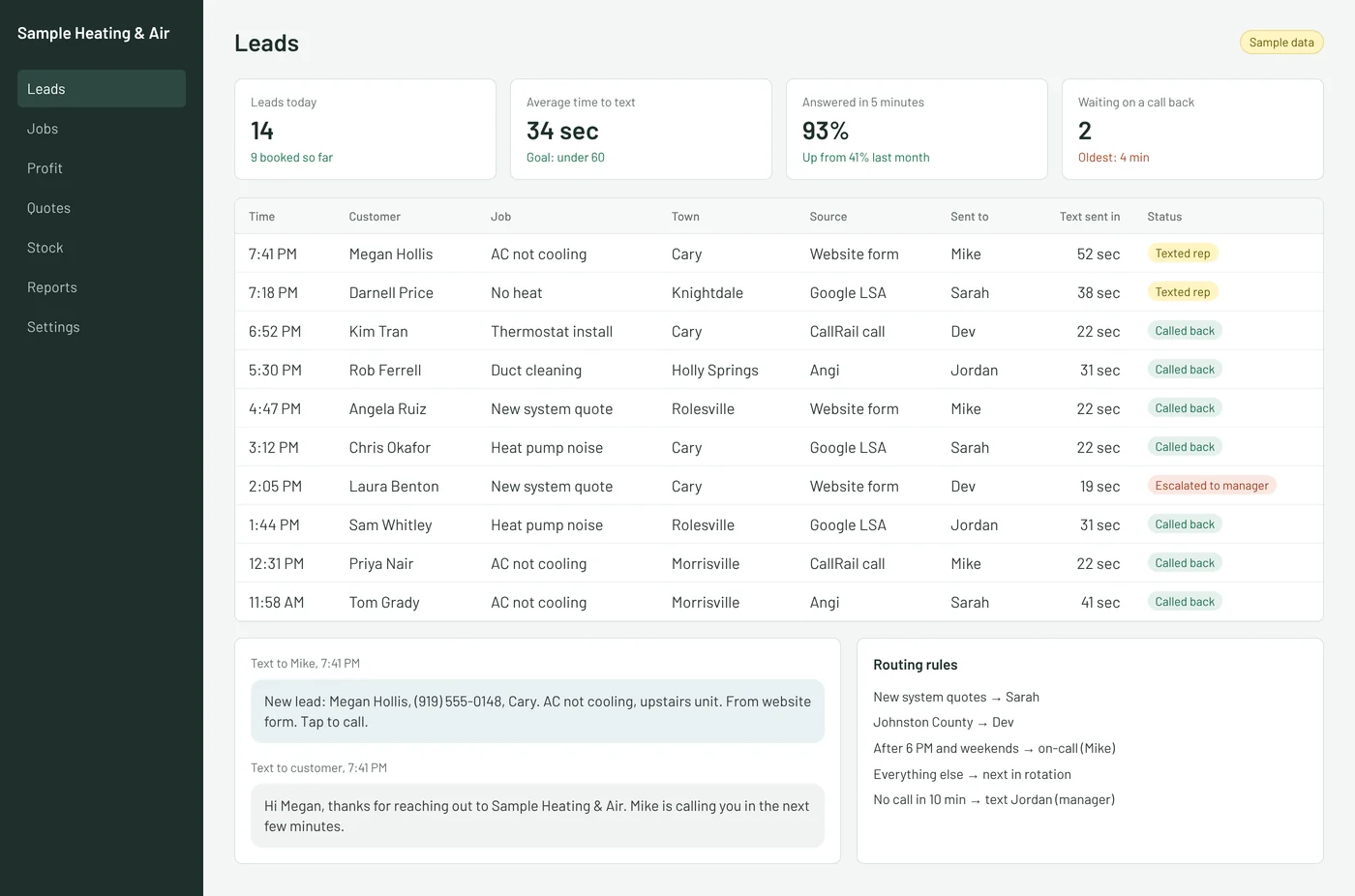
Speed-to-lead router
Every form, call and Local Services lead goes to the right salesperson by text inside a minute.
$1,500–$6,000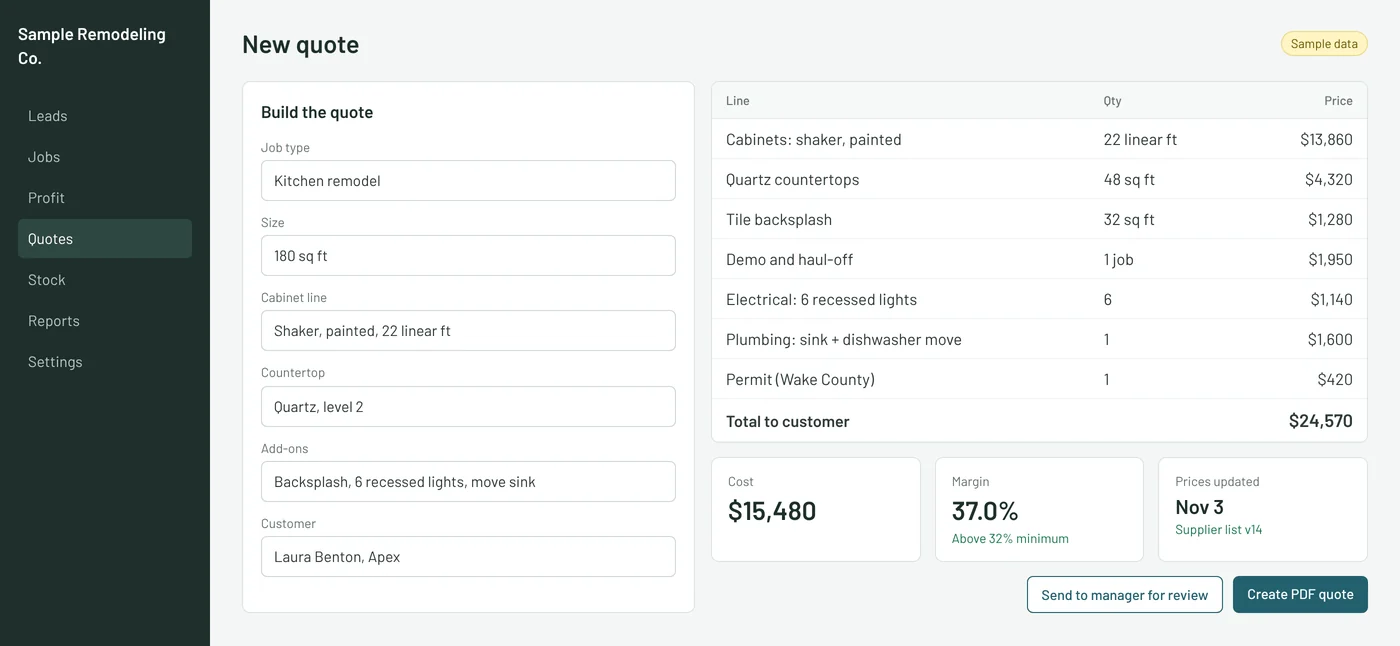
Quoting calculator
Replaces the estimating spreadsheet so any salesperson builds a consistent quote in minutes.
$5,000–$20,000
Job and work order tracker
One screen with every job's stage, crew and next step, in place of the whiteboard or shared spreadsheet.
$5,000–$15,000Start with a $750 software audit
Two hours at your shop. A ranked fix list with prices. The $750 comes off anything you build.