How read-only connections work
We read your data. We can't change it. Here's what that means in practice.
What we can do
- Read jobs, invoices, labor and materials
- Copy them overnight to build your reports
- Export to Excel
What we can't do
- Change an invoice or a job
- Write anything into QuickBooks
- Move money, take payments or run payroll
- Keep your passwords
You hold the off switch.
You create the read-only key inside your own Jobber, ServiceTitan or QuickBooks account. Delete it, and our access ends that second.

Questions
Do you need my login?
No. You create a read-only key in your own account. We never store passwords.
What if I want to stop?
Delete the key in your software. Access ends right away.
Where does the copy live?
On hosting in your name, or ours under a care plan.
More walkthroughs
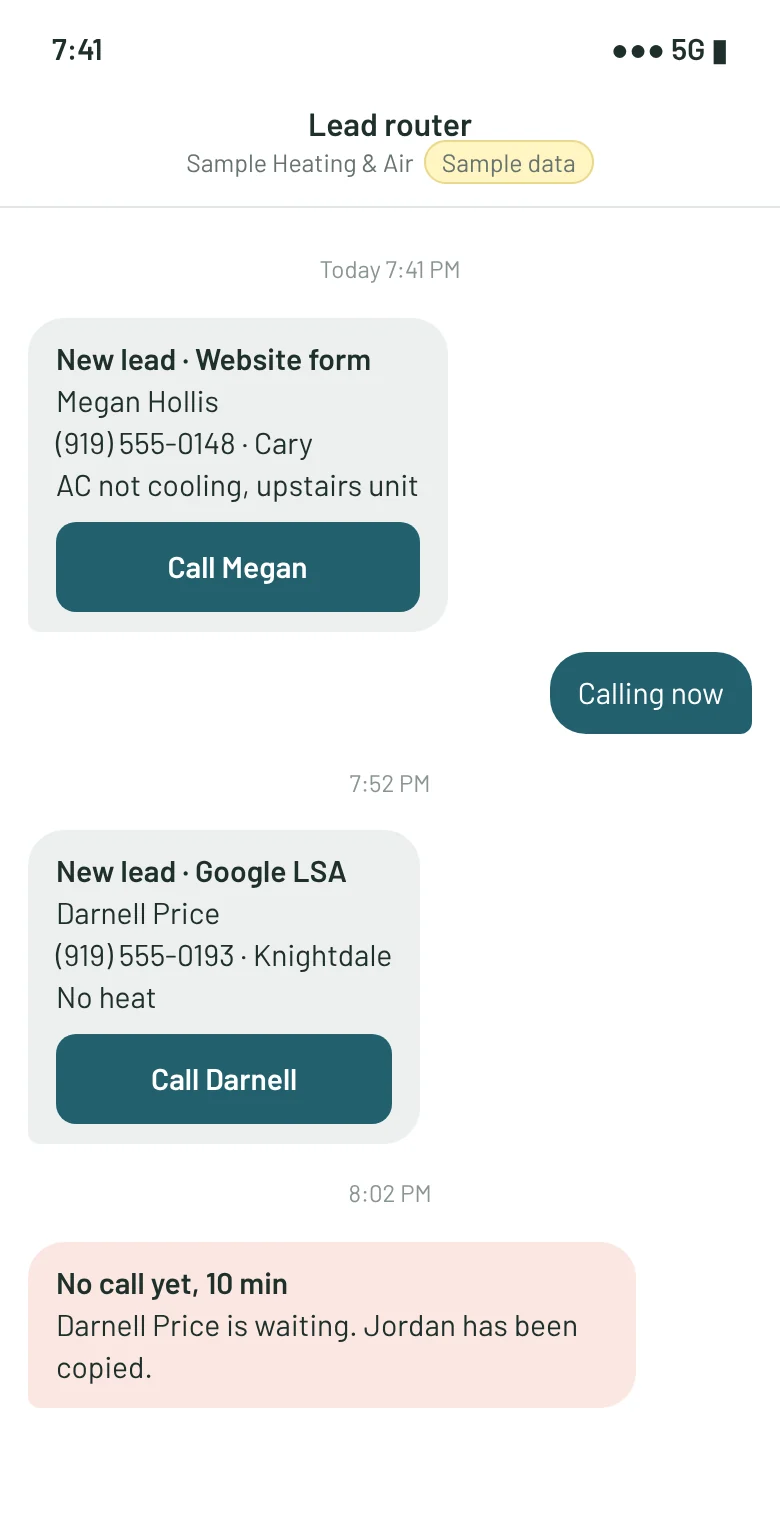
How lead routing works
Every lead to the right phone in under a minute.
Read the walkthroughHow read-only connections work
How we read Jobber, ServiceTitan and QuickBooks without touching them.
Read the walkthrough
How a spreadsheet becomes an app
Your rules, kept. The breakable parts, gone.
Read the walkthrough
The side-by-side month
Why nothing breaks on launch day.
Read the walkthrough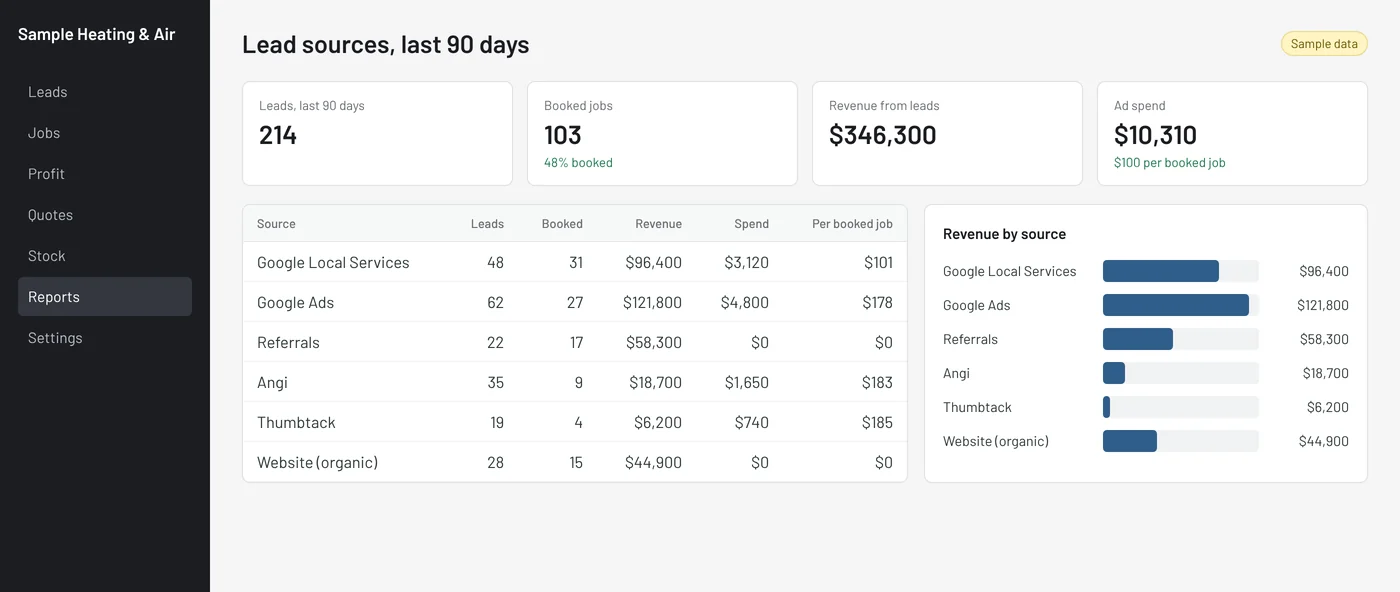
How care plans keep it running
What happens when Jobber or Google change something.
Read the walkthrough
What the $750 audit looks like
A sample report, start to finish.
Read the walkthroughStart with a $750 software audit
Two hours at your shop. A ranked fix list with prices. The $750 comes off anything you build.